Vault
Your markdown vault, navigable
Point Marvinz at any local folder — the agent reads and writes the files in place. Browse them in a tree with folders and drag-and-drop, where links rewrite themselves when you move things.
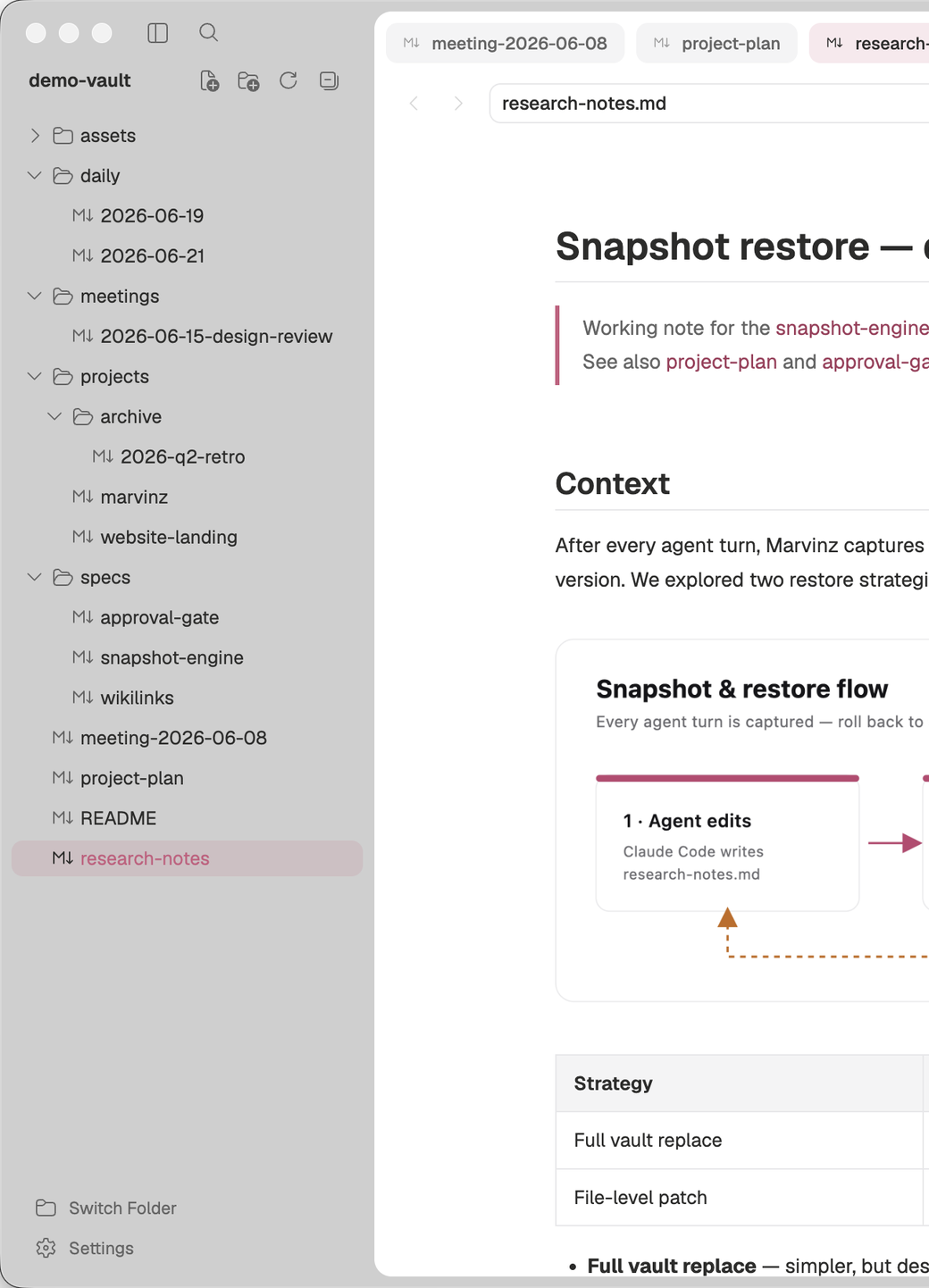
The visual workspace for Claude Code & Codex. Point it at your markdown vault and read, validate, and restore what the agent writes.
Open source and local-first — your vault never leaves your machine.

Your files stay where they are. Nothing uploaded, nothing moved. Marvinz reads your local markdown directly.
Claude Code and Codex edit your files. Output lands as linked, readable notes — snapshotted on every turn so you can roll back.
Review agent work side-by-side with your own notes. Approve tool calls. Restore any earlier version in one click.
01 · How it works
Marvinz makes the DIY stack of “Claude Code / Codex CLI + Obsidian” one product. The agent edits your local markdown directly inside a workspace where you read, navigate and curate — every change snapshotted, every tool call approvable.
Your files stay where they are. Marvinz reads the vault — nothing is uploaded, nothing is moved.
Claude Code and Codex edit your local files. Every change lands as a linked, readable note in your vault, snapshotted so you can roll back any turn.
Review the agent's work side-by-side with your own notes. Approve tool calls before they run. Restore any snapshot from one click.
02 · Features
Built for engineers and PMs who already run Claude Code or Codex alongside a markdown vault and want to read, navigate and validate what the AI generates — to trust it and build on it, instead of losing it in a terminal scroll.
Point Marvinz at any local folder — the agent reads and writes the files in place. Browse them in a tree with folders and drag-and-drop, where links rewrite themselves when you move things.
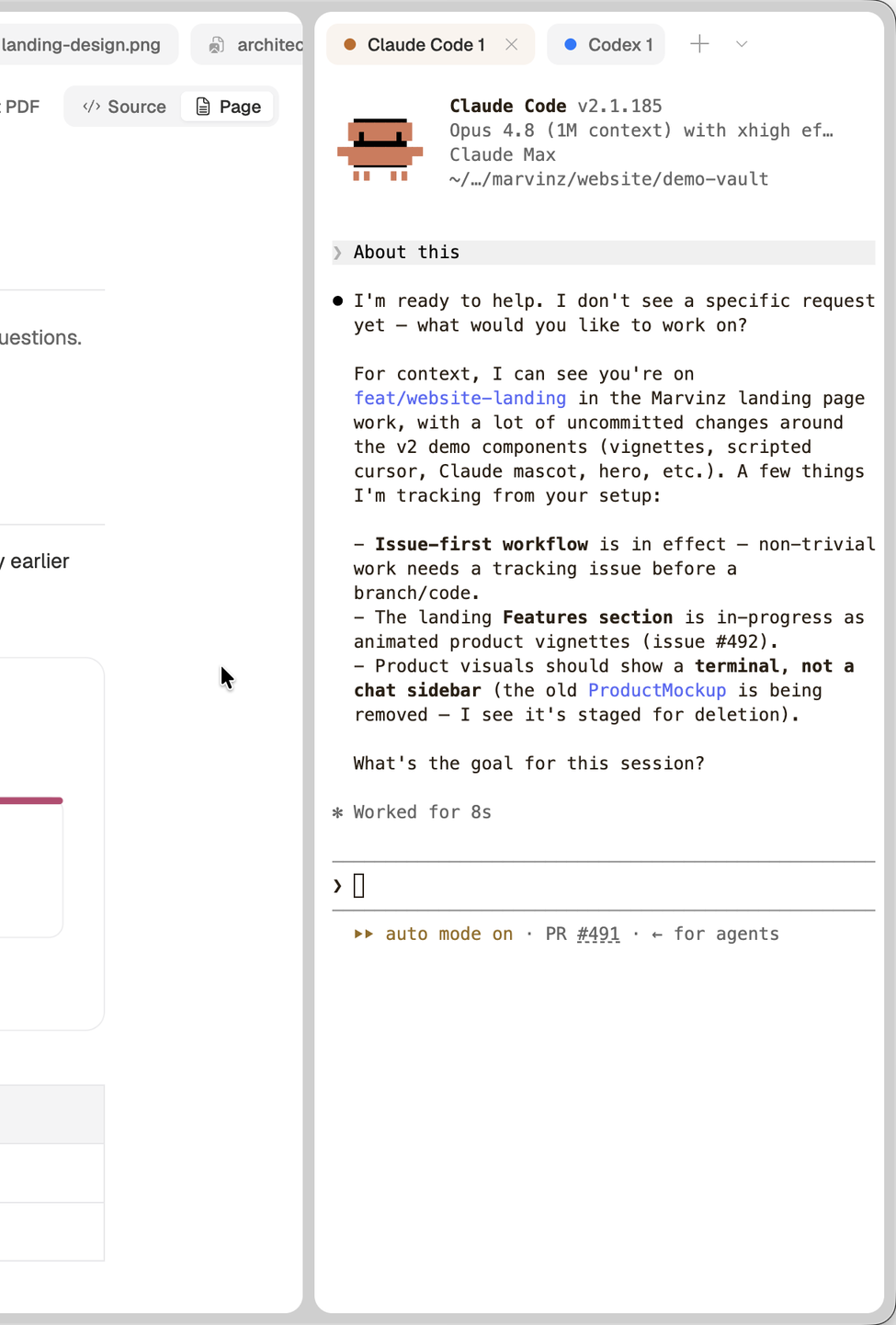
Run Claude Code or Codex in a terminal scoped to your vault and watch its edits land in the editor in real time — the agent works on the same files you're reading.
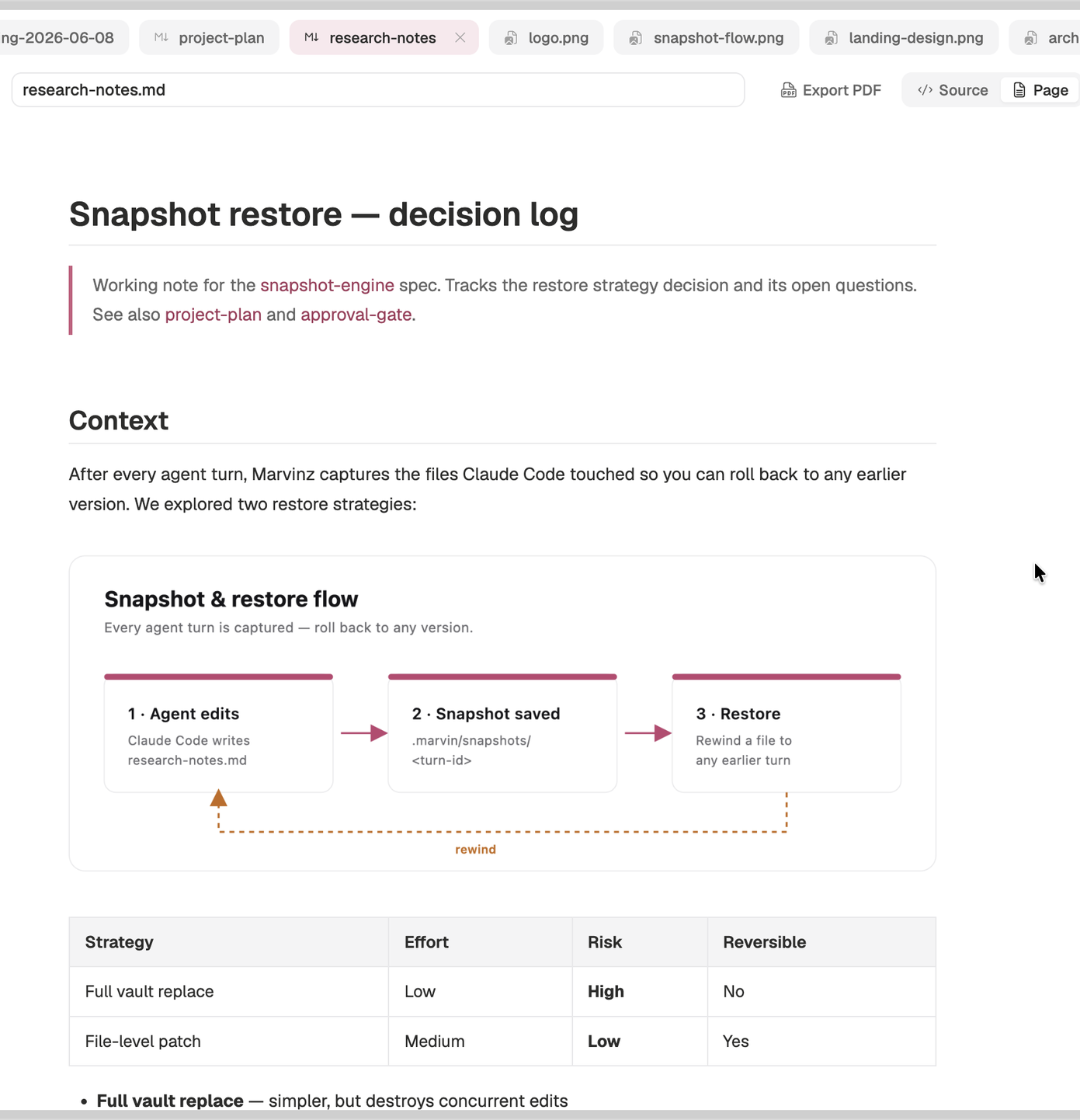
A live, rendered view of every note — headings, tables, task lists, code blocks, [[wikilinks]] and embedded images, all resolved as you read.
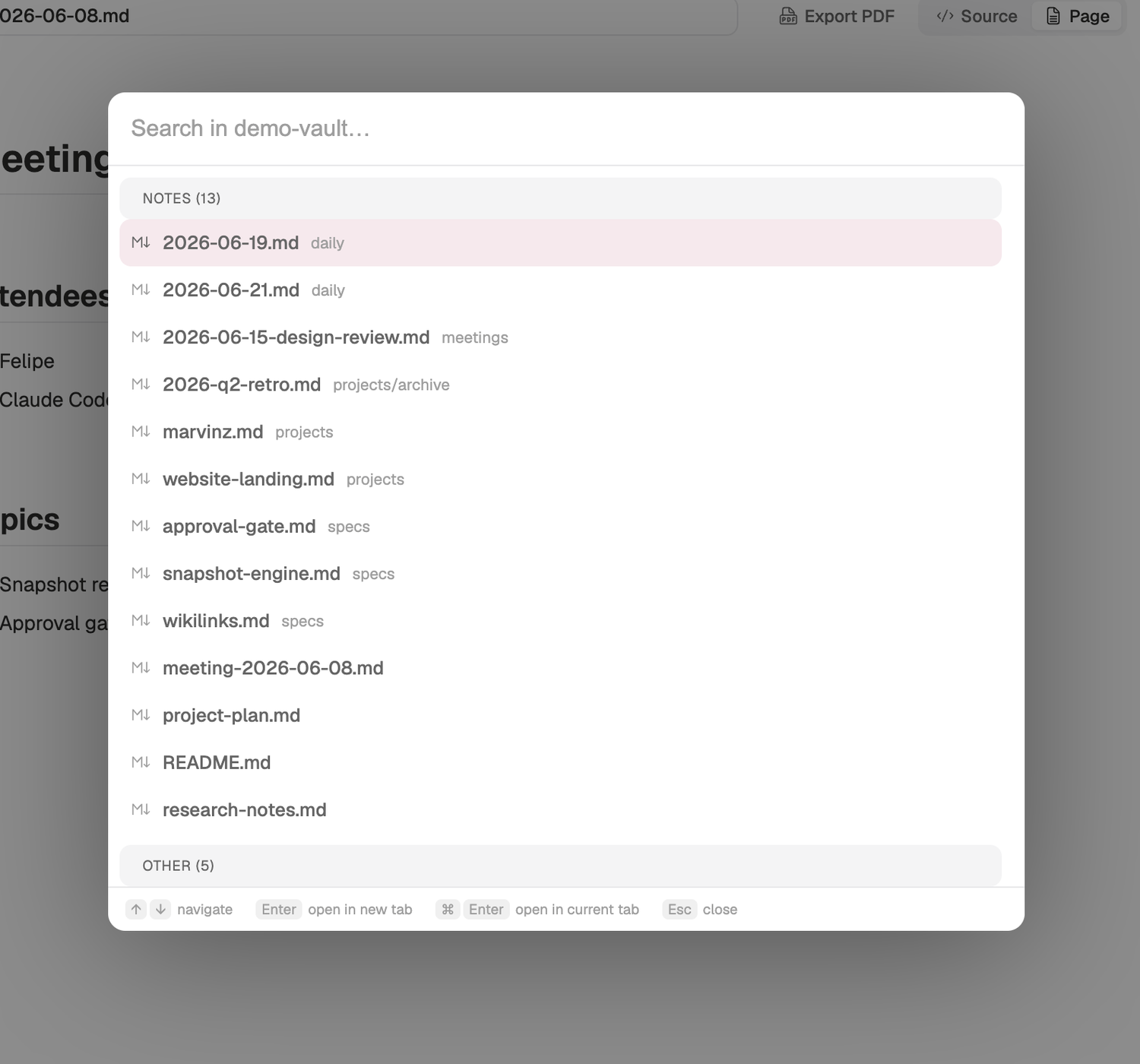
Open the command palette to fuzzy-find any file, or search the full text of your vault — then jump straight to the matching line.
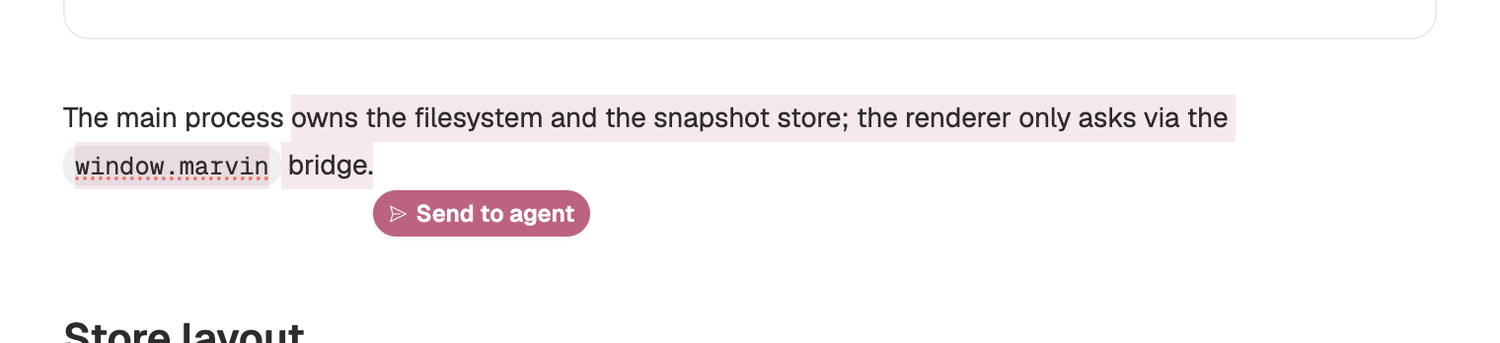
Highlight a passage in any note and hand it to the agent as context — no copy-paste, no leaving the workspace.
Marvinz snapshots the files the agent touches on every turn. Restore any earlier version in one click — nothing the agent writes is ever lost.
03 · See it
The agent's output lands as navigable, linked markdown you can read side-by-side with your own notes, validate whenever you need, and restore to any earlier version.